
THE HEADSHOT JOURNAL · DALLAS–FORT WORTH
How to Prepare for a LinkedIn Headshot at Our Dallas Studio
Why a current profile photograph helps, what a guided studio session offers, and how to prepare your image for LinkedIn.

A new role, a board appointment or a photograph that no longer looks current may be a reason to update your LinkedIn headshot. Before your session, think about where else you need that photograph. Your company biography may have its own background and crop requirements, while a speaking profile may leave more room around you.
At Godoy Shots, I work with you on expression and framing, and we review the photographs as we go. Essential Headshots offers up to one hour at our Dallas studio for a focused professional update, including LinkedIn and executive biographies.
Why your LinkedIn headshot deserves attention
Your photograph helps people connect your name with a face. A client researching you before a meeting, a colleague sending a connection request or an organizer checking your biography should be able to recognize you. LinkedIn explains that a profile photo helps people see who is contacting them and adds credibility to the profile.
LinkedIn Help: add or change your profile photo
Choose a photograph that looks like you today and fits how you present yourself professionally. If your appearance has changed or your current image comes from a setting that no longer suits your work, an update may be useful. A photograph cannot communicate your qualifications on its own, but it can support the introduction your experience and profile provide.
What a studio session lets us control
At our Dallas studio, I can adjust the position, direction and intensity of the light to shape how your face photographs. We can manage shadows and reflections rather than relying on the light available in an office or beside a window.
The background is a deliberate choice, too. We can compare its tone with your clothing and keep distracting objects out of the frame. A simple background can help your face remain clear when the photograph appears small.
That control gives us a consistent starting point while we work on expression. You see the photographs as we go, and I guide small changes in posture, head position and expression. We can compare the results together and make decisions based on what you see.
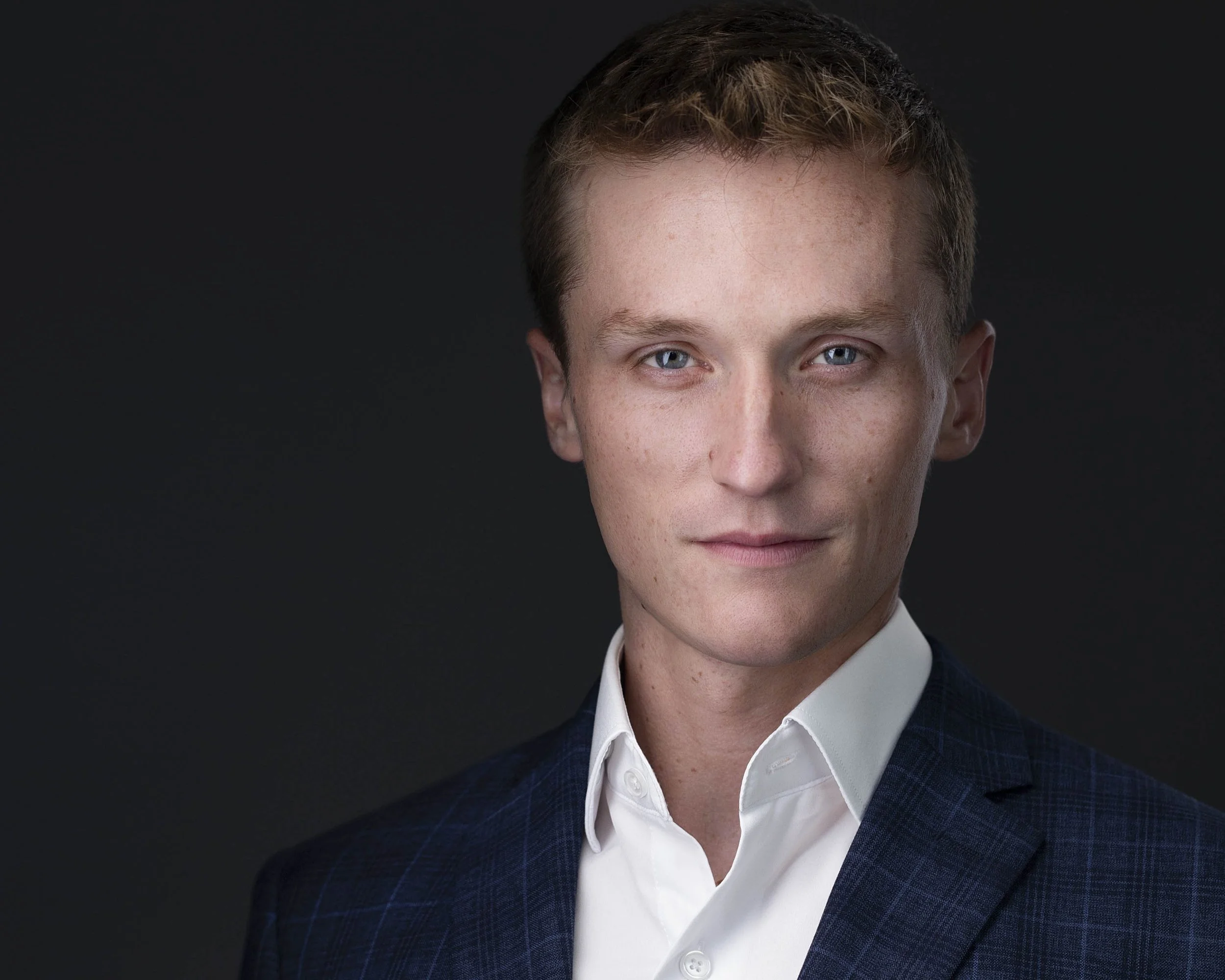
A photographed headshot and an AI-generated image
An AI headshot tool can generate a professional-looking image from photographs you supply, but it may also change details of your face, hair or expression. Before using the result, consider whether someone meeting you would recognize the same person. For a professional introduction, the image should represent how you look today and show an expression you feel comfortable using.
A studio session gives us a way to work toward that result together. We photograph you in the clothing you bring and guide you through expressions as you see the images appear. You can tell me what feels right, ask for an adjustment and try again with direction. We also discuss your retouching preferences so the finished photograph remains recognizable as you.
LinkedIn's guidelines say your profile image must reflect your likeness, and they allow artistic representations. Whatever method you choose, check that the image still looks like you. At Godoy Shots, we work with you directly and choose from expressions you have actually made.
LinkedIn Help: profile photo guidelines
I explore this question further in Can an AI-Generated Headshot Look Like You and Still Not Feel Like You?
Read Nabor’s article on AI headshots
Start with the places you will use your headshot
Look at your current LinkedIn profile and any company pages you need to update. Bring requirements from your marketing team, along with an example if your portrait needs to fit an existing collection.
A profile photograph often appears small or inside a circle. Consider whether your face remains clear in that space and whether the crop leaves enough room around your head. We can discuss those uses before choosing your final photographs.
If you need photographs for several professional settings, our guide to building an executive visual library can help you plan the different formats.
Plan your executive visual library
Choose clothing that reflects how you work
Bring clothing that fits how you present yourself to clients and colleagues. You might choose a jacket for a formal biography or a different look for your LinkedIn profile. Try your options on beforehand and check how the collar and shoulders sit.
If you are unsure, bring options so we can compare how they photograph. Essential typically allows two outfits and background options; the number of looks depends on the pace of your session.
Read our guide to what to wear for business headshots for more preparation advice.
What to wear for business headshots
You do not need to arrive knowing how to pose
I guide your posture, head position and expression throughout the session. You see the photographs as we work, so you can tell me what you like and what feels unfamiliar. We can make adjustments together.
There is no single expression that suits every executive or professional. We explore options with your intended uses in mind. You may prefer a smile for one setting and a more reserved expression for another.
See how expression coaching and live image review work during a session.
How expression coaching works
Choose your photographs at the studio
During the last part of your session, we review your photographs together and choose the images you want to purchase. We compare expressions and crops against the uses you brought with you.
Images are purchased separately from the session. Each purchased image includes professional retouching, with your preferences discussed during the session. Finished retouched images are delivered within 48 hours. You receive your purchased photographs at full resolution, and your download gallery also offers smaller JPEG versions: 4800, 2400, 1200 and 600 pixels. This lets you keep the full-resolution file and choose a smaller version for online use. Proof galleries are not included.
Choose the time you want in the studio
Essential Headshots suits a focused LinkedIn or executive biography update. An executive can choose Essential when that format and time fit the photographs they need.
Signature gives you additional time at your pace. You can use it for headshots only, particularly if you prefer more time to settle in and explore expressions. Wider business portraits are also an option if you want photographs for your website, speaking engagements or press materials.
Compare Essential and Signature before choosing your session.
Compare Essential and Signature
Prepare your photo for LinkedIn
LinkedIn currently accepts JPG or PNG profile photographs up to 8 MB. Its published dimensions range from 400 × 400 pixels to 7680 × 4320 pixels. A square copy at least 400 × 400 pixels is a practical starting point for your profile. You can start with the 1200-pixel JPEG option in your Godoy Shots download gallery, check that the file is under 8 MB, and adjust the crop in LinkedIn. Always keep your full-resolution download saved separately as a backup.
Before saving your new profile photo:
- Check the circular preview so your hair, chin and face are not awkwardly cropped.
- View the image at a small size to check that your face remains easy to see.
- Avoid adding filters that change the appearance of your finished photograph.
- Check the photo's visibility setting so the people you want to reach can see it.
To update it, open your LinkedIn profile, select your current photograph or camera icon, and choose the upload or change-photo option. Adjust the crop and visibility, then save. Labels can vary by device.
LinkedIn Help: photo upload specifications
LinkedIn Help: add or change your profile photo
YOUR SESSION, EXPLAINED
Questions before your session
Can I use the same headshot on LinkedIn and my company website?
One image may work for both. Share your company's specifications before the session so we can consider the required background, framing and crop.
What if I feel uncomfortable being photographed?
Tell me what concerns you. I will guide you throughout the session, and we will review the photographs together as we work. You do not need posing experience.
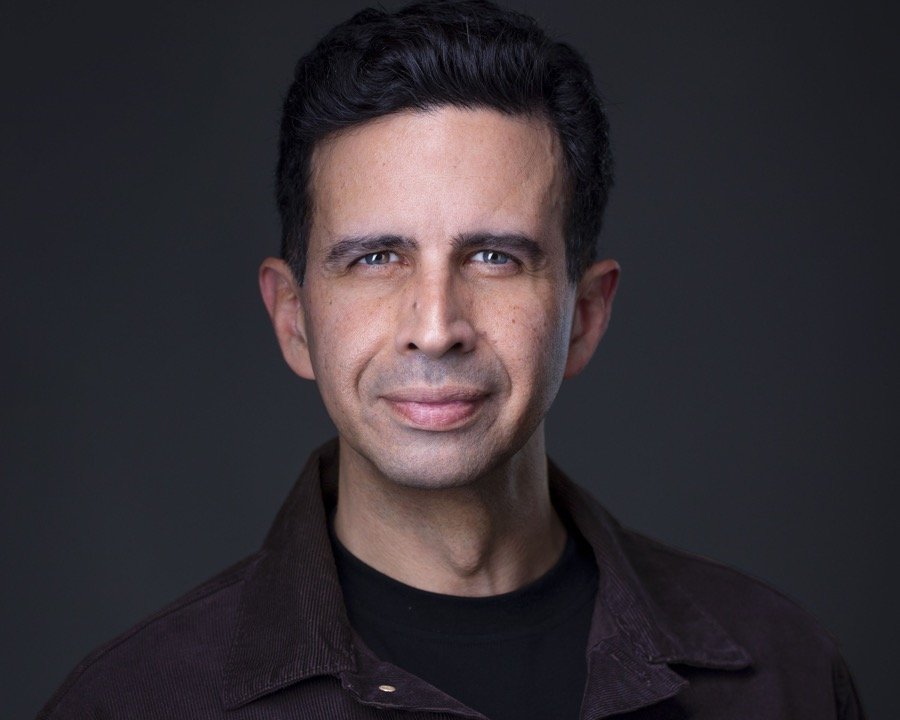
About Nabor Godoy
Nabor Godoy is a headshot and portrait photographer and a Headshot Crew Associate Photographer. At Godoy Shots, he works directly with each studio client, combining expression coaching with live image review and guided selection.
Plan your professional update
Explore Essential Headshots at our Dallas studio and choose an appointment for your LinkedIn or executive biography update.
Explore Essential Headshots and book your session